

Read LabVIEW VIs without installing LabVIEW.
LVKit parses .vi, .ctl, .lvclass, .lvlib, and .lvproj files directly into queryable dependency and dataflow graphs. Render the block diagram, document code, track changes in CI, feed VI structure to AI tools, or generate equivalent Python.
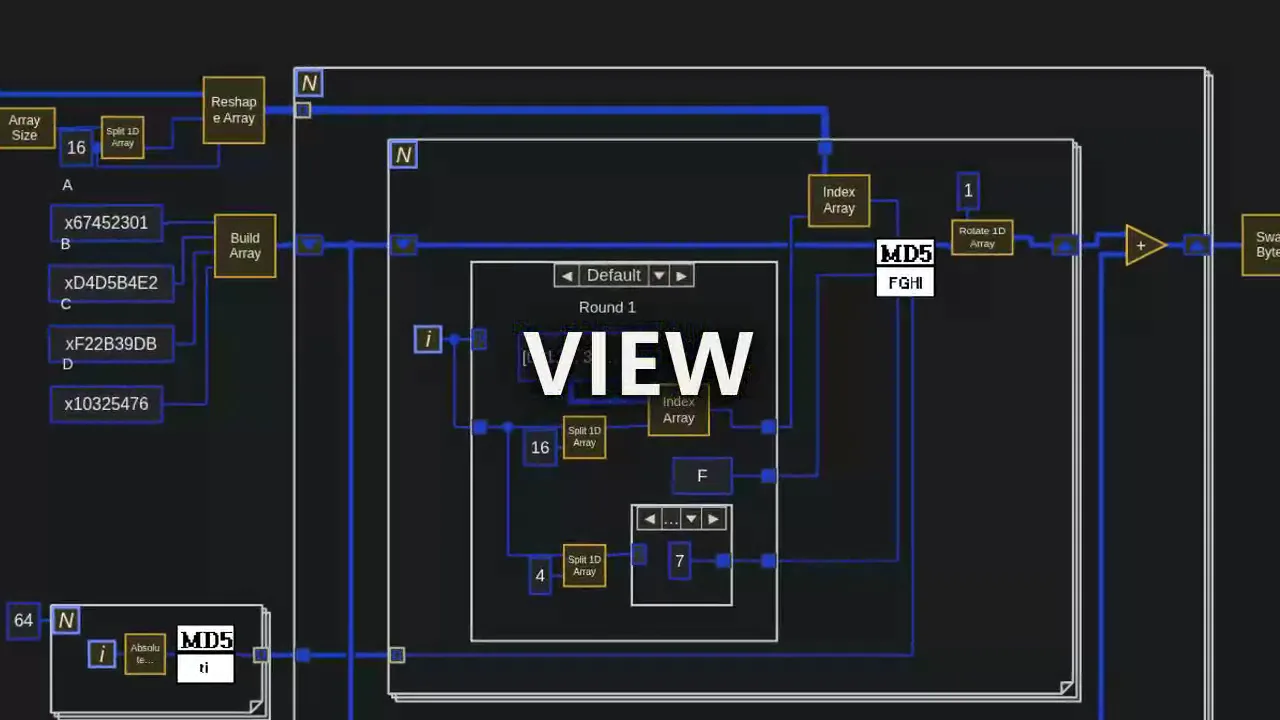
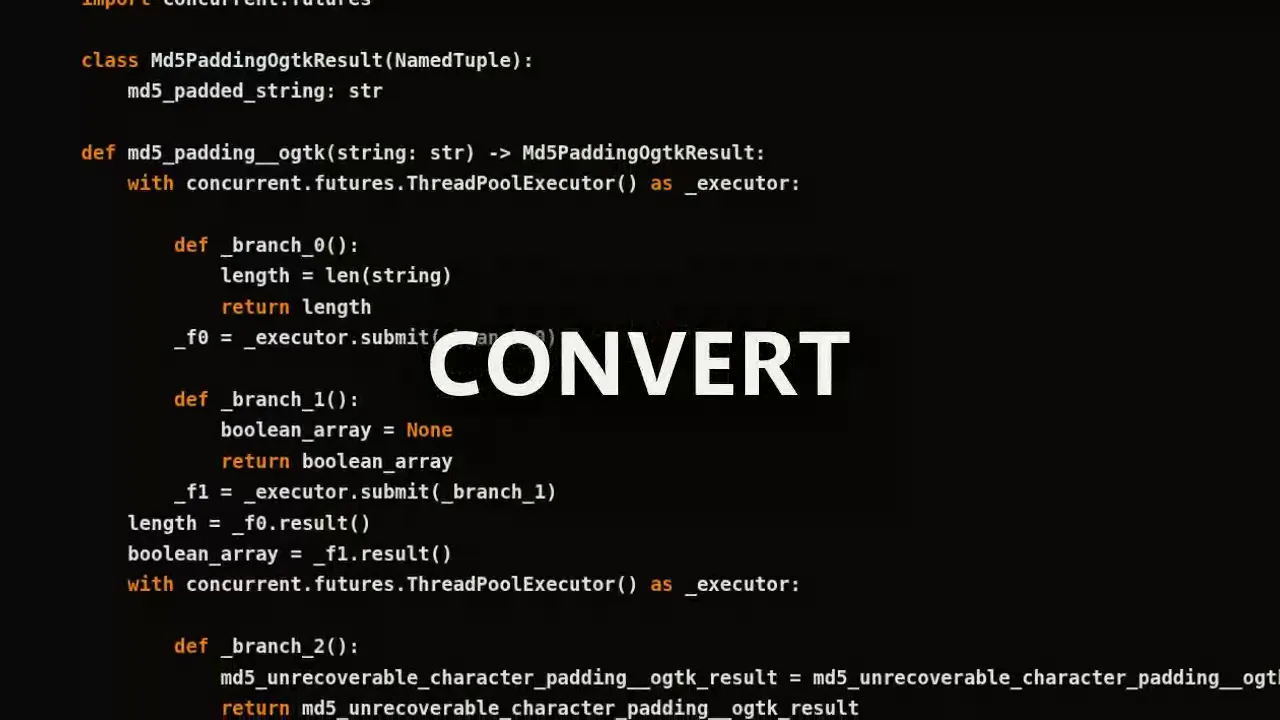
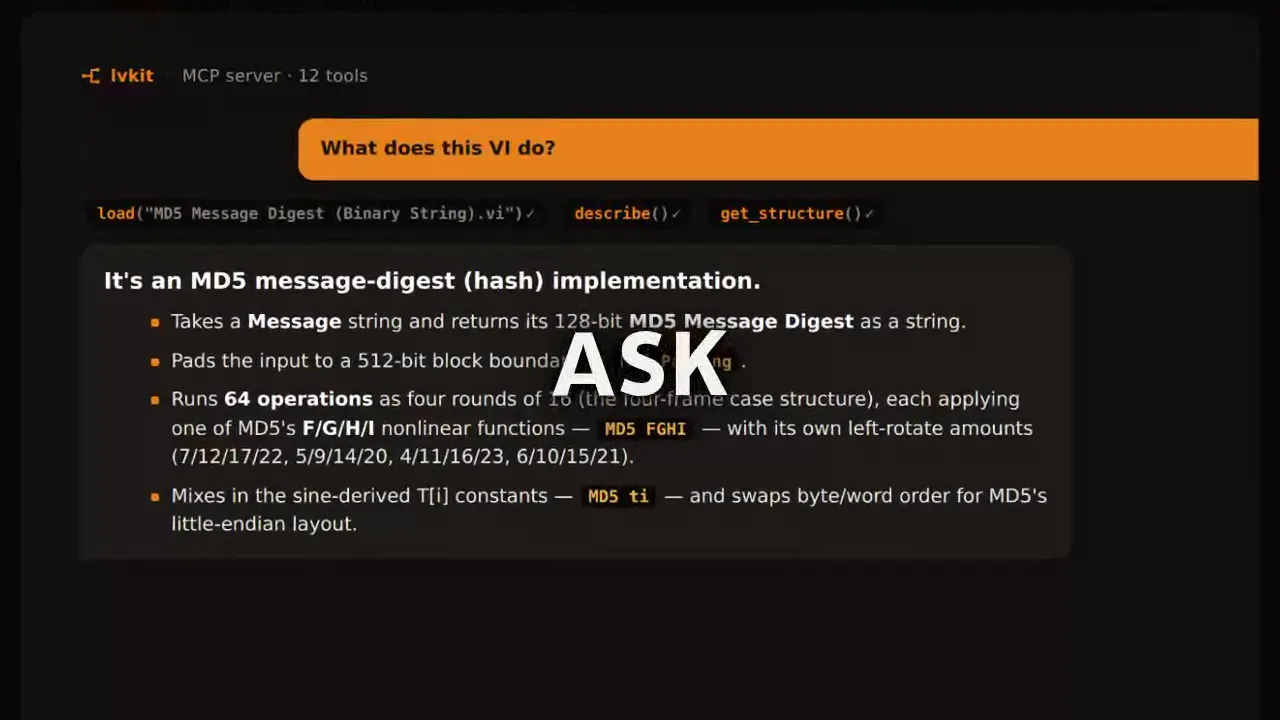
Every frame is real product output on one real VI — an OpenG MD5 implementation — produced without opening LabVIEW.
A faithful SVG render of the block diagram — dataflow, structures, and wires.
Getting started
LVKit meets you where you work — as an AI-agent plugin, a Claude Desktop extension, a VS Code extension, a Python CLI, or a standalone binary. Pick your surface and OS:
Scripts, pipelines, a runner with no LabVIEW license
Install from PyPI (Python 3.10+), then run setup to create a project resolution store and install the AI agent skills.
pip install lvkit
lvkit setupNo project, just the tool? uv tool install lvkit or pipx install lvkit — or run it ad-hoc with uvx --from lvkit lvkit …. Interactive graphs need lvkit[visualize].
Then try it on a VI — neither needs a primitive mapped first:
lvkit describe path/to/your.vi --verbose
lvkit render path/to/your.vi -o my-vi.svgWhat you can do with it
Render the block diagram
A faithful, interactive SVG of a VI’s block diagram — the same wiring, structures, and dataflow, pan/zoom and theme-aware. Try it live.
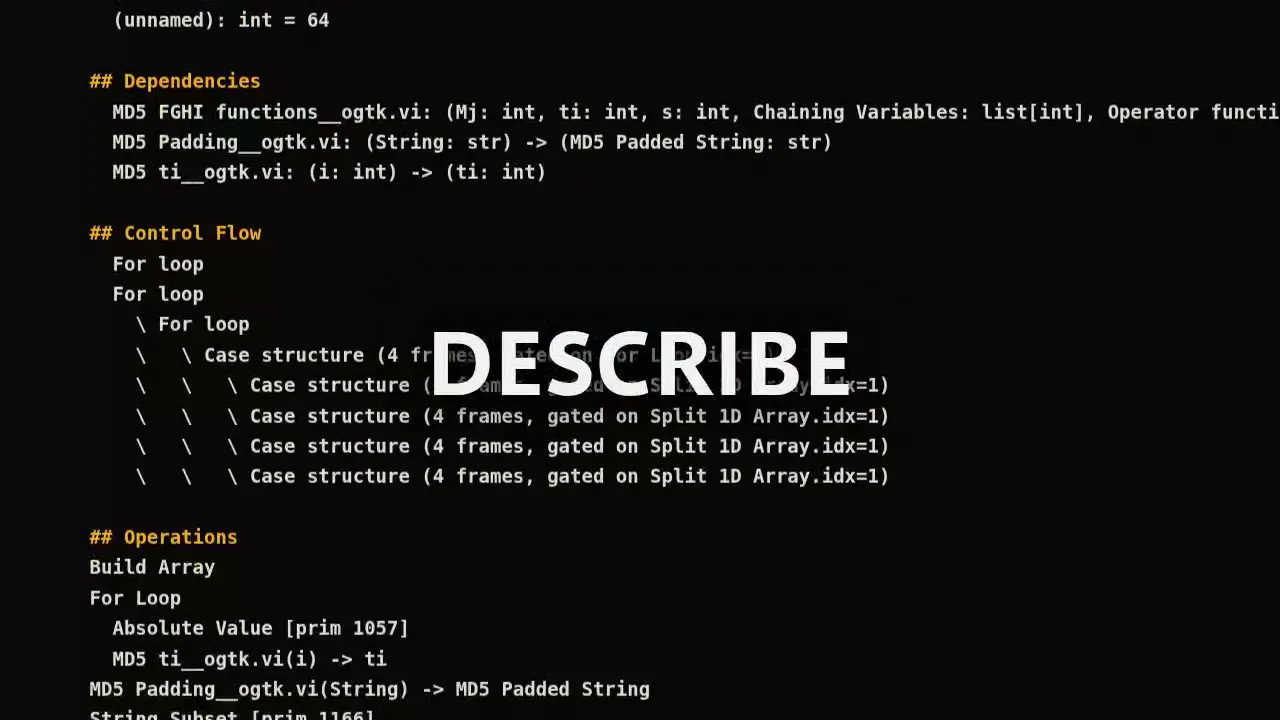
Describe a VI
lvkit describe my.viprints a human-readable signature, inputs and outputs, operations, and control flow — without opening LabVIEW.Generate documentation
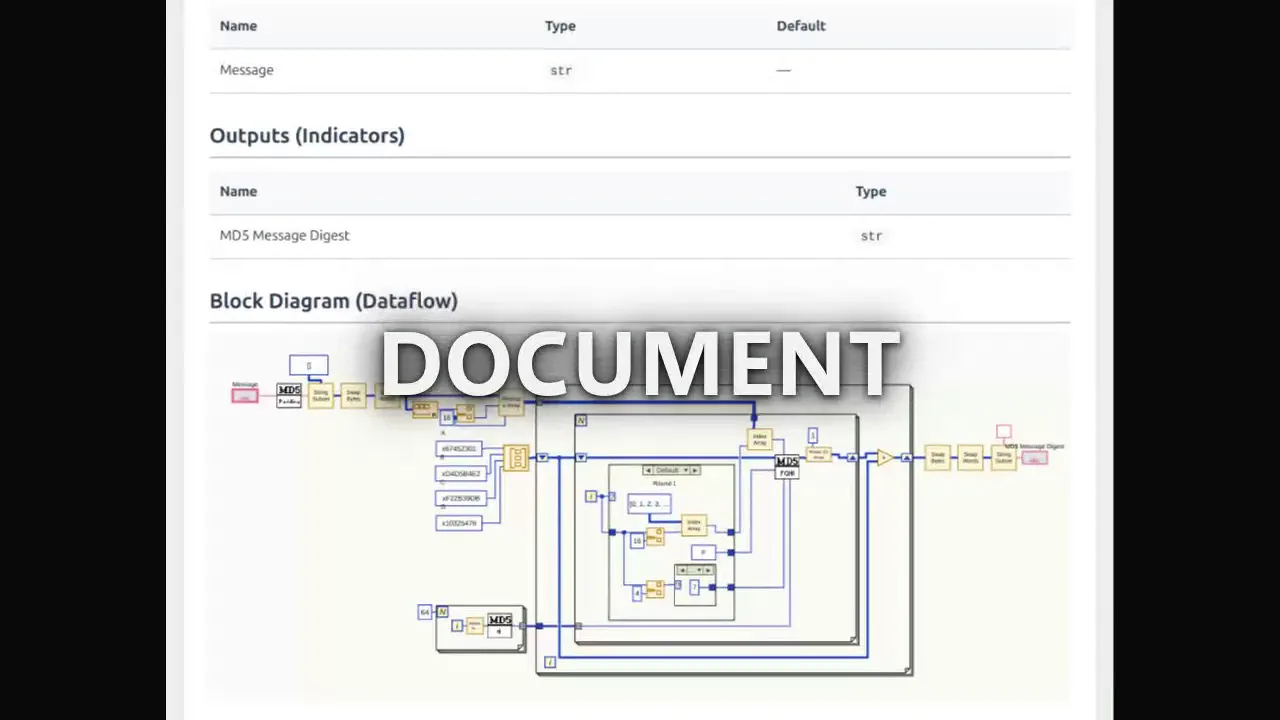
Cross-referenced HTML docs for a .vi, .lvlib, or .lvclass — inputs, outputs, operations, and wiring diagrams.
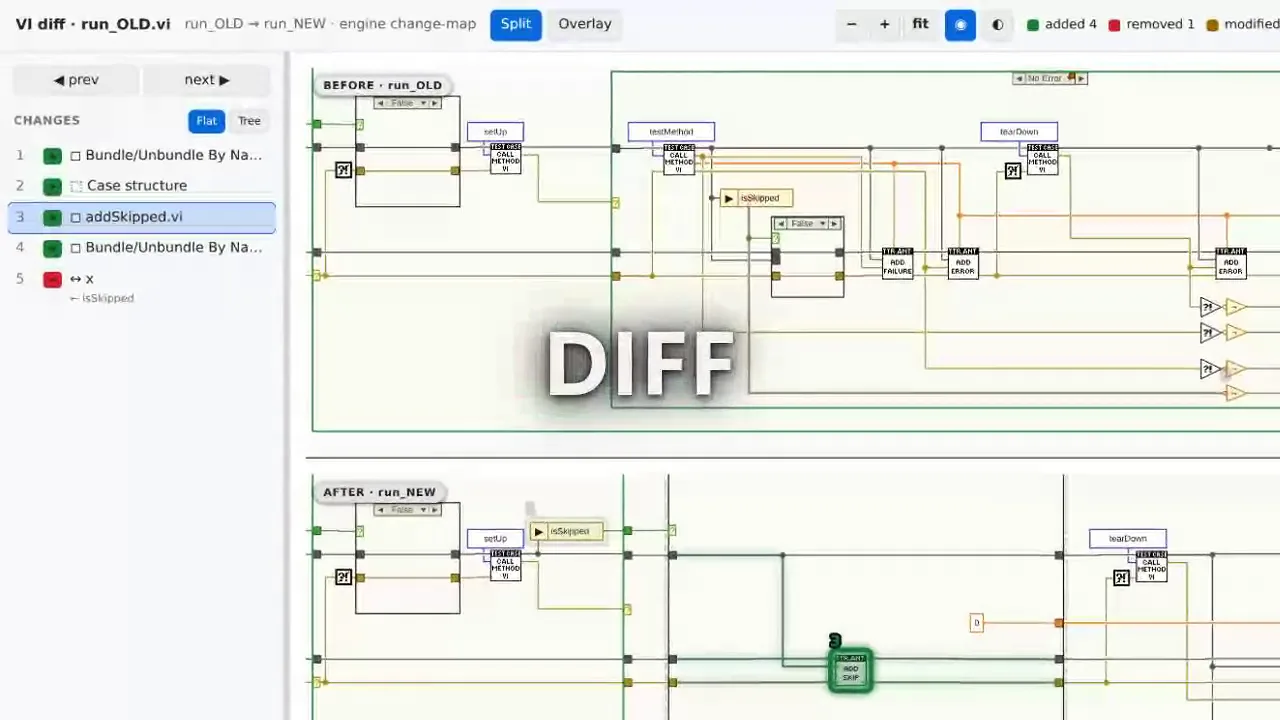
Diff two versions
See what changed between two VIs — added and removed terminals, changed operations, rewired connections. Fits in code review and CI, or right in VS Code with the extension.
Visualize
An interactive dataflow or dependency graph across a whole library — the shape of the system, not one VI’s wiring.
Generate Python
Convert a VI, library, or class to Python. Deterministic — same VI in, same Python out, every run. No LLM in the loop. Coverage is incremental, but it keeps getting better.
Drive it from AI or the CLI
Every operation runs from a scriptable CLI or a built-in MCP server, so Claude Code and Copilot can describe, convert, and query VIs end-to-end.
Principles
No LabVIEW install required
LVKit reads VI binaries directly — no LabVIEW installation, no runtime, no account. It works in CI and on machines that have never seen LabVIEW.
Reads, never writes
LVKit only ever reads a VI — it never modifies, re-saves, or edits one. Your files are never touched, and LabVIEW stays the only thing that authors them.
Clean-room by design
Every piece of semantic knowledge comes from published sources, not proprietary code or runtime access. The binary parser builds on the open-source pylabview project.
Deterministic and verifiable
The whole pipeline is deterministic — no LLM, no sampling. Same VI in, same output every run, so results can be diffed, committed, and checked in CI.
AI-ready, not AI-dependent
A built-in MCP server and agent skills let Claude Code or Copilot drive LVKit interactively. Nothing about the tool requires an agent — the CLI works on its own.
Open source, Apache-2.0
The code is yours to read, run, fork, and extend. No paid tier of the same software waiting to take it over once you depend on it.
Apache-2.0 · pre-1.0 · public on GitHub. Code generation coverage is incremental and APIs may shift before 1.0; pin a version, fork if you have to.
LabVIEW is a registered trademark of National Instruments Corporation (NI). LVKit is not affiliated with or endorsed by NI, and is an independent, clean-room implementation.